Team Timesheet
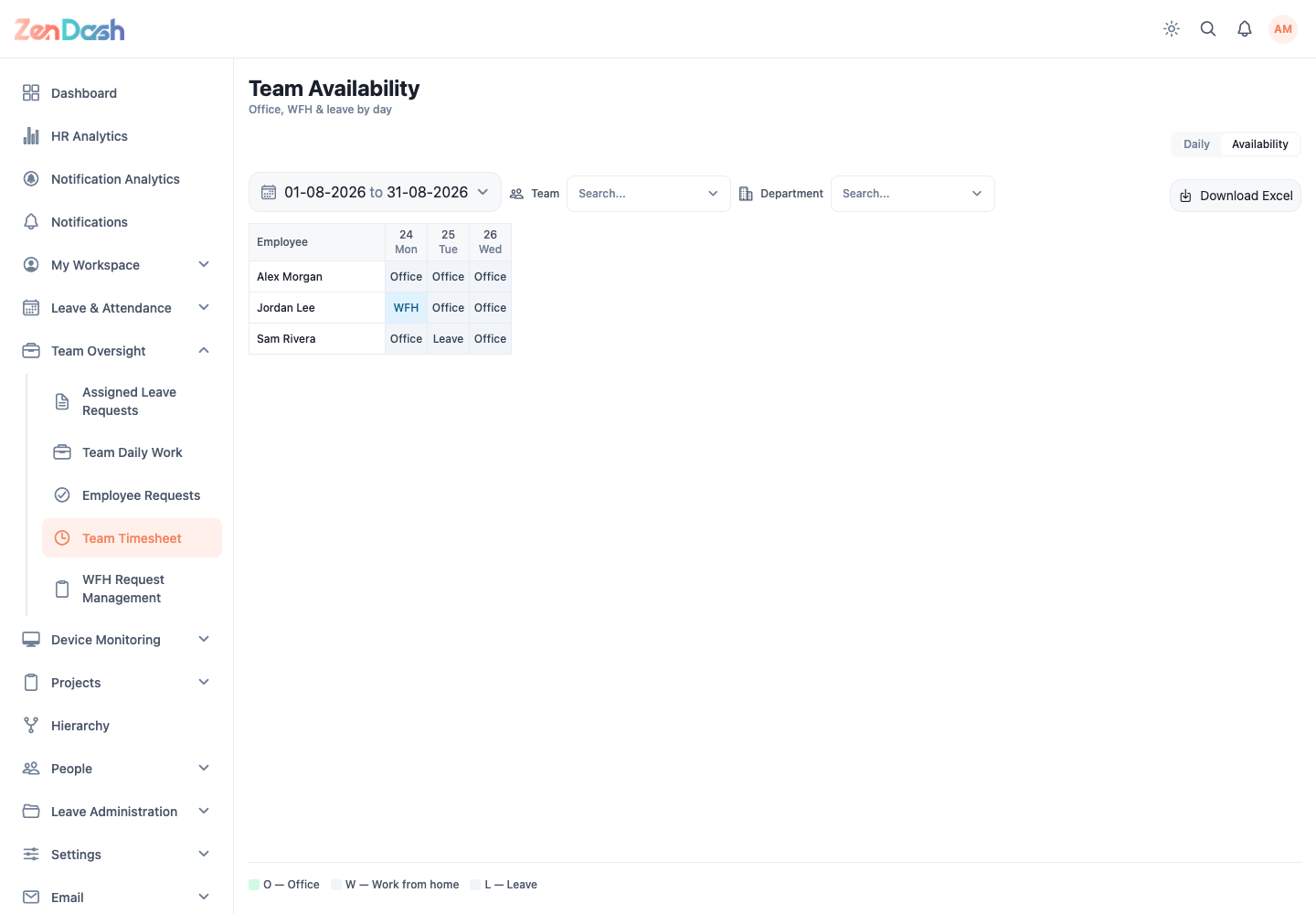
Open Team Oversight > Team Timesheet. This screen has Daily and Availability tabs.
Daily attendance
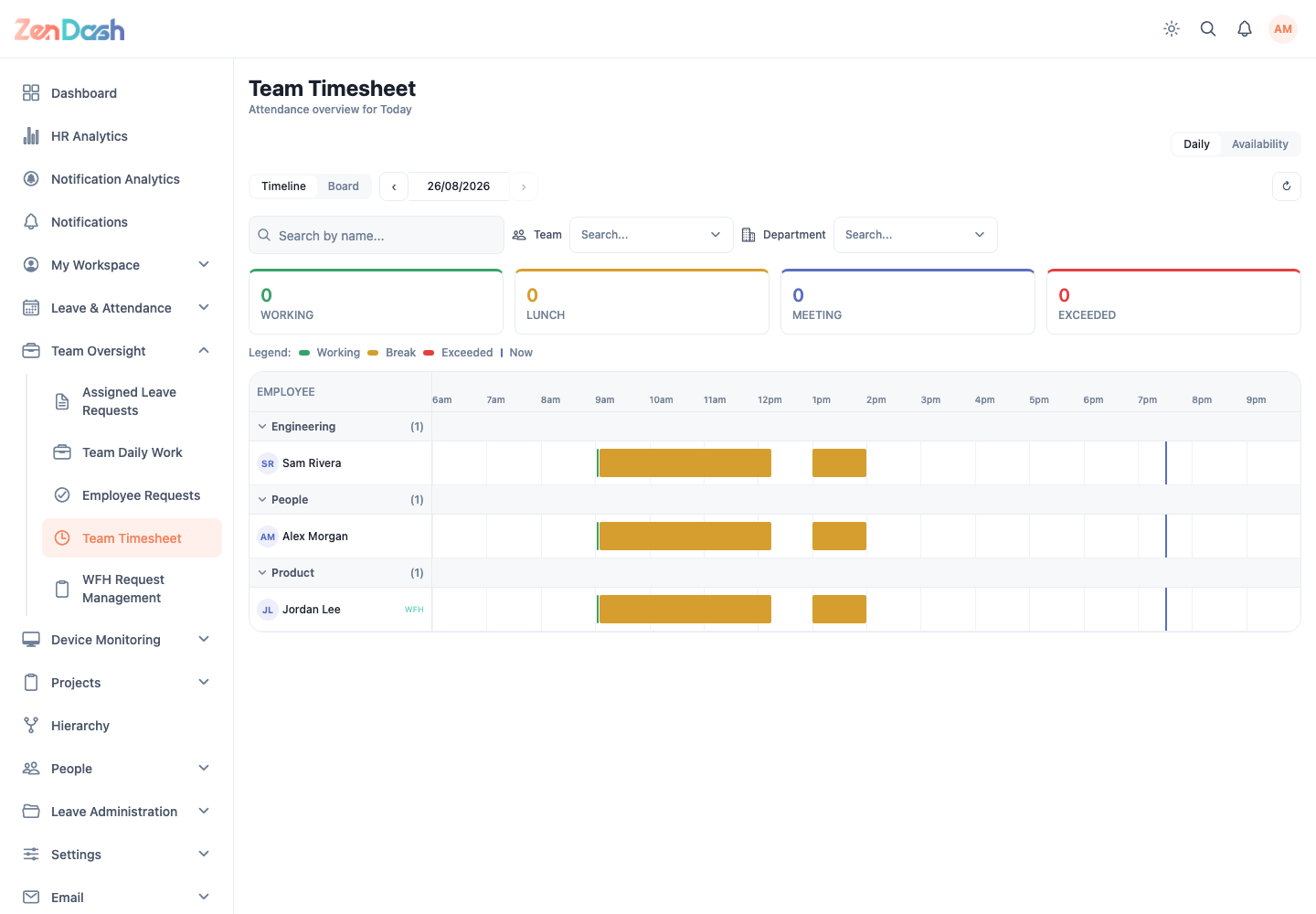
The Daily tab shows an attendance overview for the selected date.
- Use Timeline to compare employee activity across the day.
- Use Board to group employees by their current attendance state.
- Select an employee to inspect check-in, lunch, work, and check-out segments.
- Use the Team and Department filters to focus the view.
- Move backward or forward by date, or return to today.
Summary controls can focus employees who are working, checked out, on lunch, absent, or over a configured limit.
Availability
The Availability tab is labeled Team Availability and shows office, WFH, and leave status by day across a date range. Use it to compare staffing coverage rather than clock-event detail.